

Recently viewed
Please log in to see lots list
Favourites
Please log in to see lots list
The ability to track your order depends on the delivery method. If the auction organizer offers shipment tracking, the tracking number and a tracking link will be available in the order details. Click the provided link or copy the number and enter it on the carrier’s website.
To view the details of a given order, follow these steps:
1. Log into your OneBid account.
2. Select theuser circle icon (or initials) located in the top right corner of the screen.
3. Go to the Auctions section which is located in the User Panel on the left side (on a computer) or in a drop-down menu (on a mobile device).
4. Find and select My purchases option.
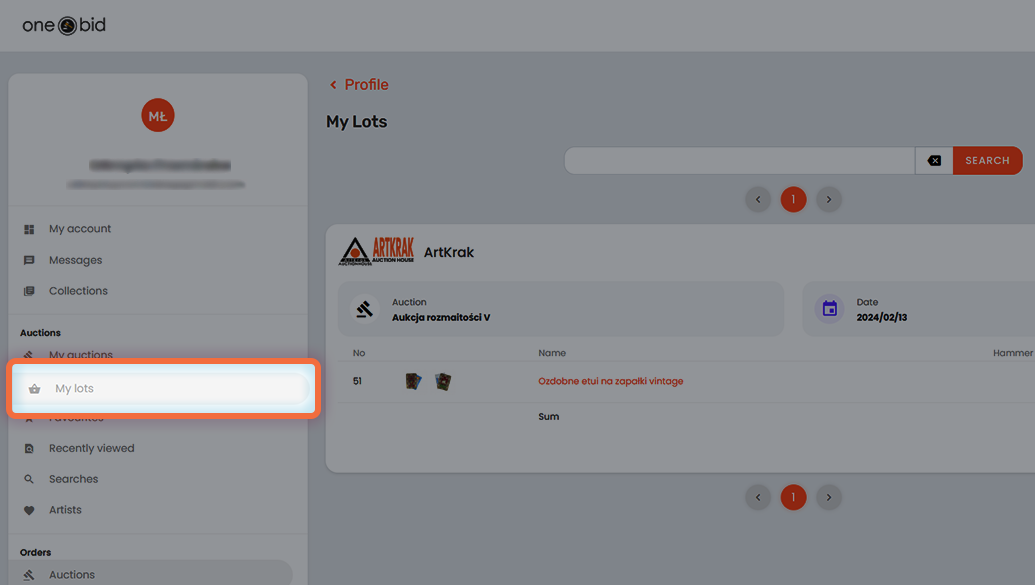
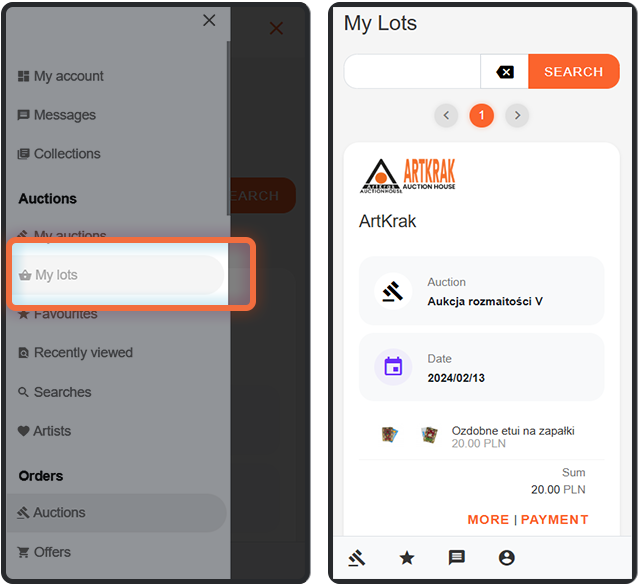
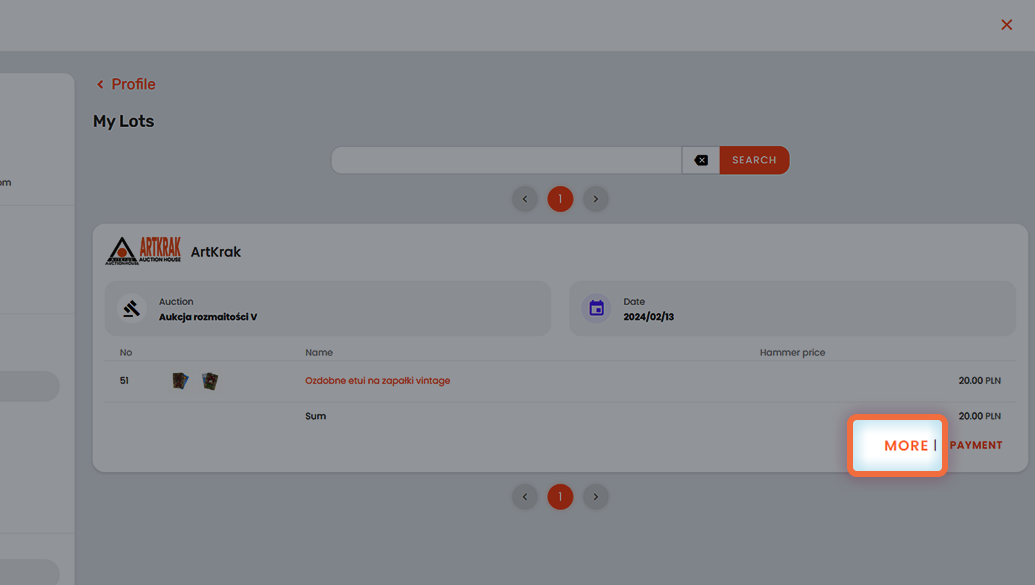
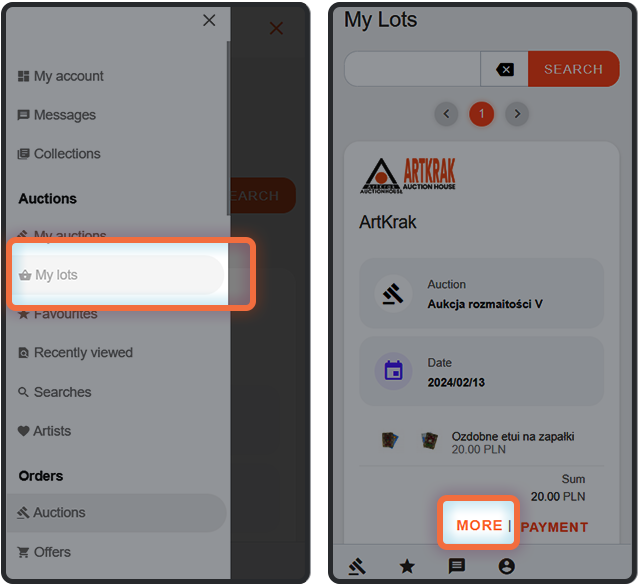
5. Select the More linkvisible on the right side of the screen.
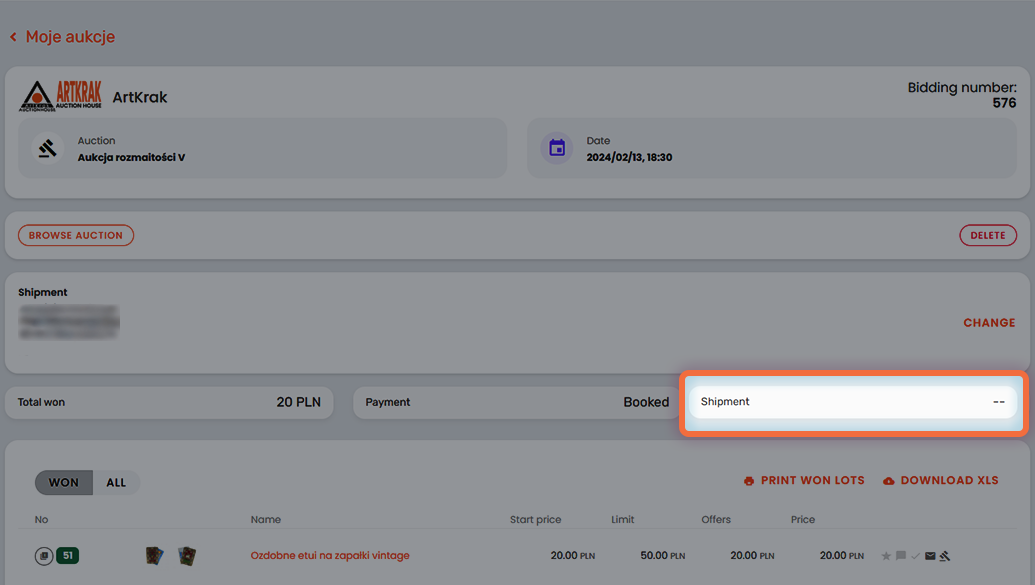
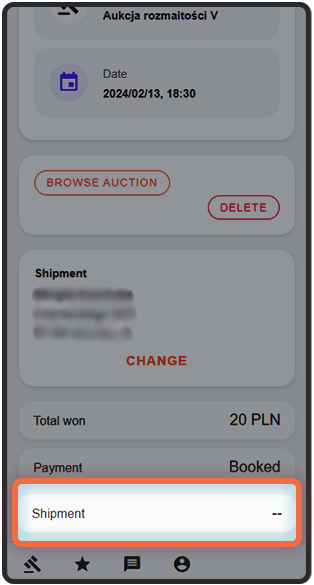
6. If the organizer provides shipment details, they will be listed in the Shipment frame.
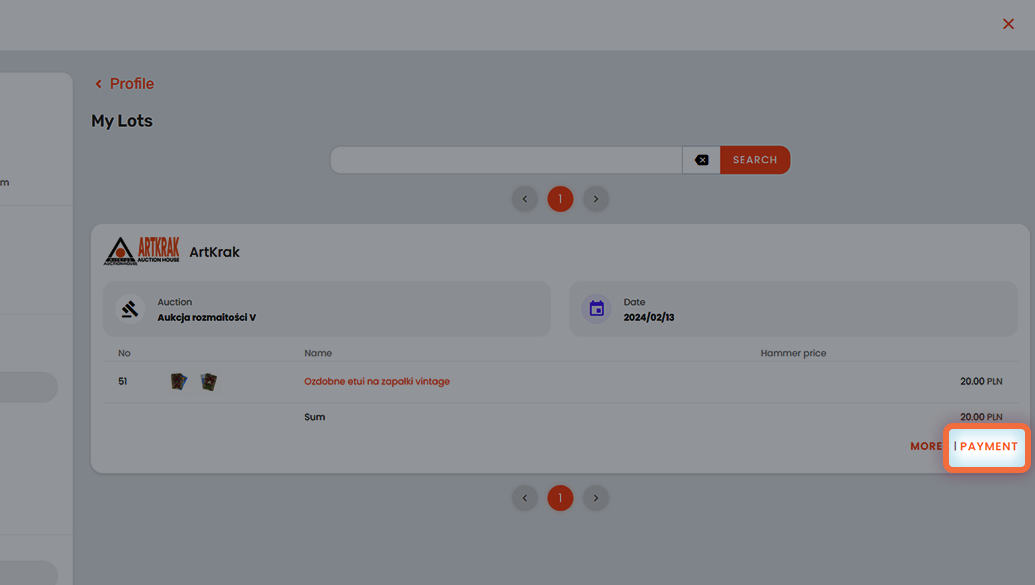
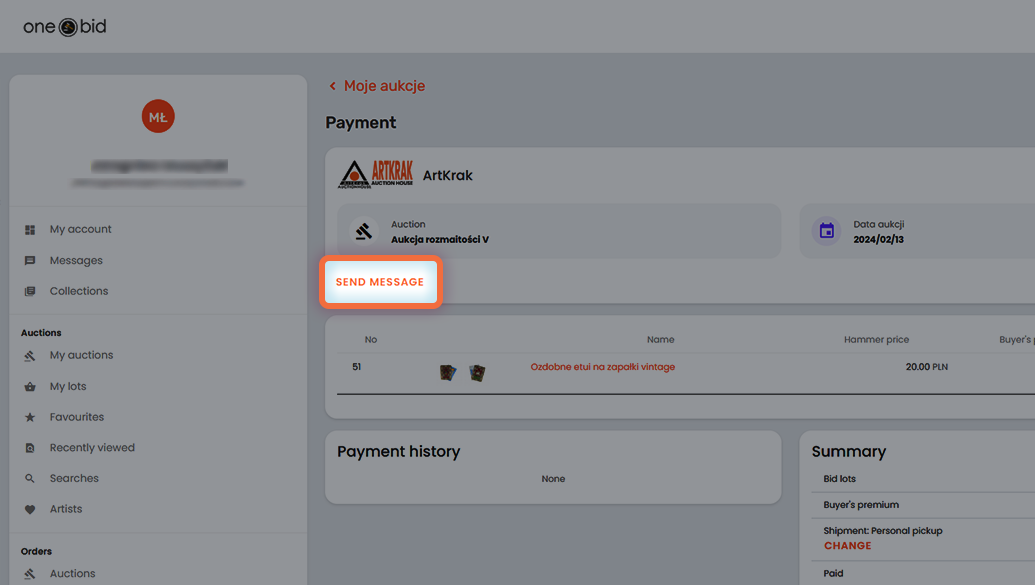
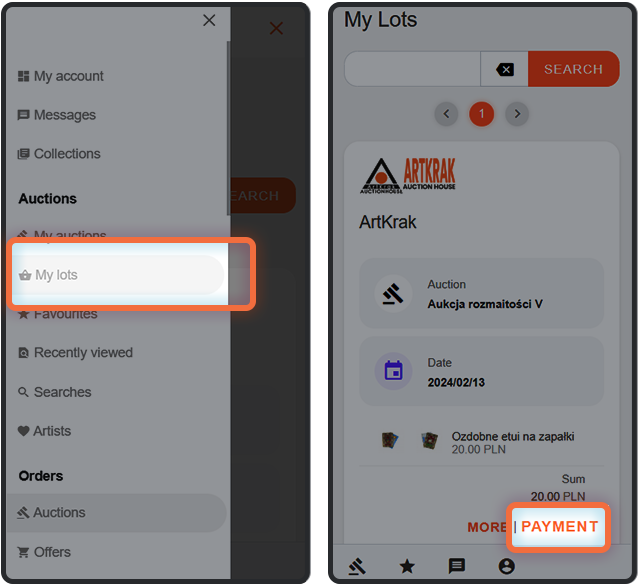
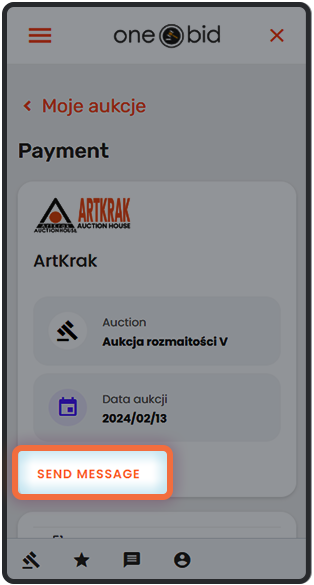
Important! If the tracking number has not been provided, contact the organizer directly to obtain information about the shipment status and the carrier responsible for delivery. You can do this by clicking the Send message link. To do so, go to the Auctions > My Purchases section in the User Panel and select the Payment link on the right side of the screen.